Blog · August 12, 2026
Sixty seconds to booking: how a mobile pet groomer launched a trackable weekend promo link on the fly
When a prime Saturday slot opened up, Paws & Suds didn't waste hours updating their website. See how they deployed a branded short link and custom QR code in under a minute to fill the schedule.
It was Thursday afternoon in Austin, Texas, and Sarah, the founder of Paws & Suds Mobile Dog Grooming, faced a common scheduling headache. A regular client had to cancel their Saturday morning appointment. This left a four-hour gap in her schedule, representing hundreds of dollars in lost revenue while her fully equipped grooming van sat idle.
For a busy mobile pet services business, keeping the van moving is everything. Sarah knew she had to act quickly to fill the spot, but updating her main website would take too much time, and long, messy booking links look unprofessional when shared on social media or texted directly to local client lists. She needed a quick, clean way to direct Austin dog owners to her specific booking page, and she wanted to track how well her outreach performed.
Instead of getting bogged down in complex web design or confusing link shorteners, Sarah turned to SkyCanvas to solve her problem in real time. In under a minute, she built a custom, branded short link and a beautiful QR code that dog owners could scan right off their phones. Here is how she did it.
1. Landing on the SkyCanvas Homepage
To begin, Sarah visited the SkyCanvas platform to find a simple solution for creating her campaign. She wanted an intuitive tool that promised speed without requiring any technical design experience.
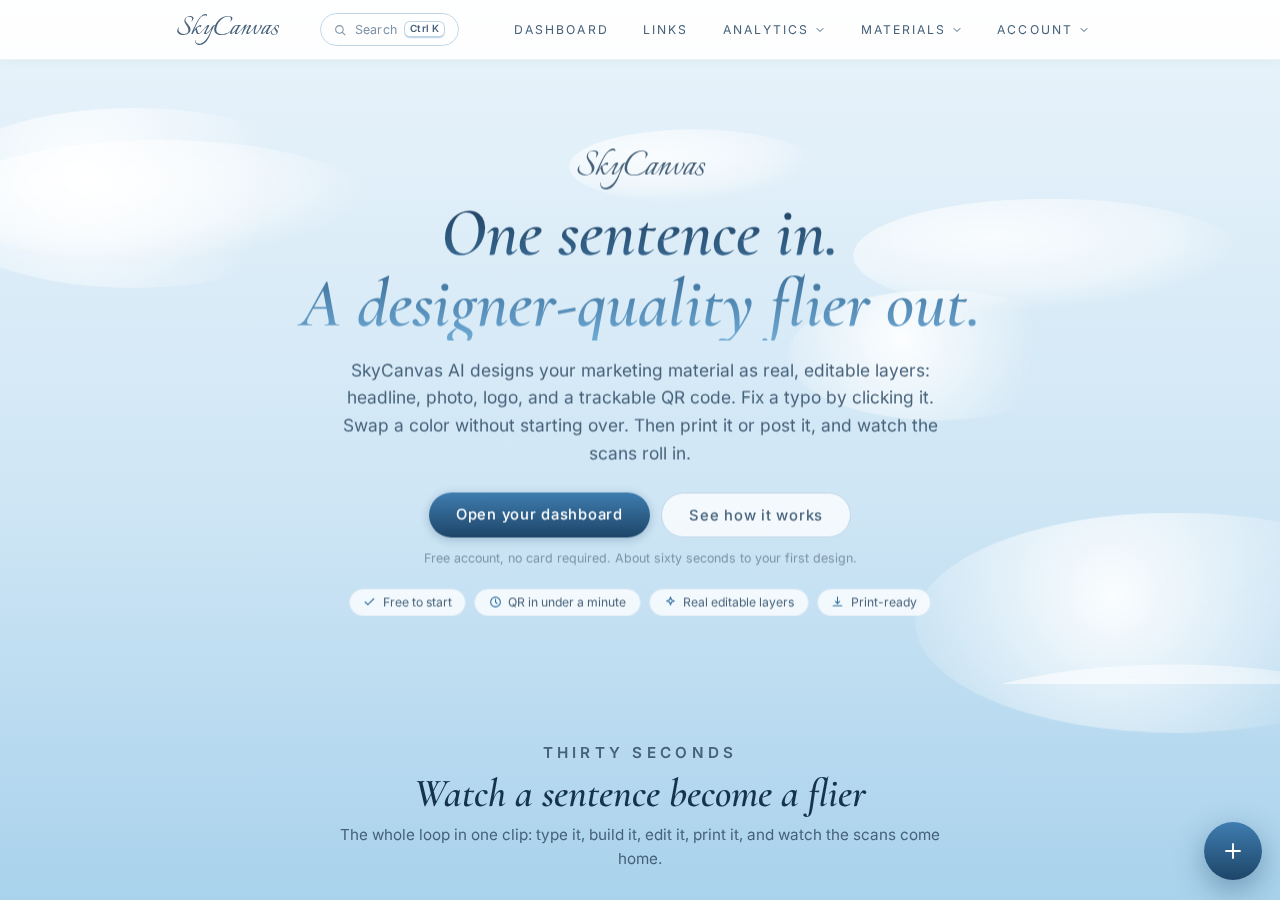
The SkyCanvas homepage at skycanvas.online.
The clean landing page made it clear that she could have her first design and promotional assets ready in under sixty seconds. With a simple registration process and no credit card required, it was the perfect low-friction tool for a busy small business owner on the move.
2. Setting Up an Account
Sarah clicked the registration button to create her account. Her primary goal was to jump straight into the link generator without wading through endless configuration steps.
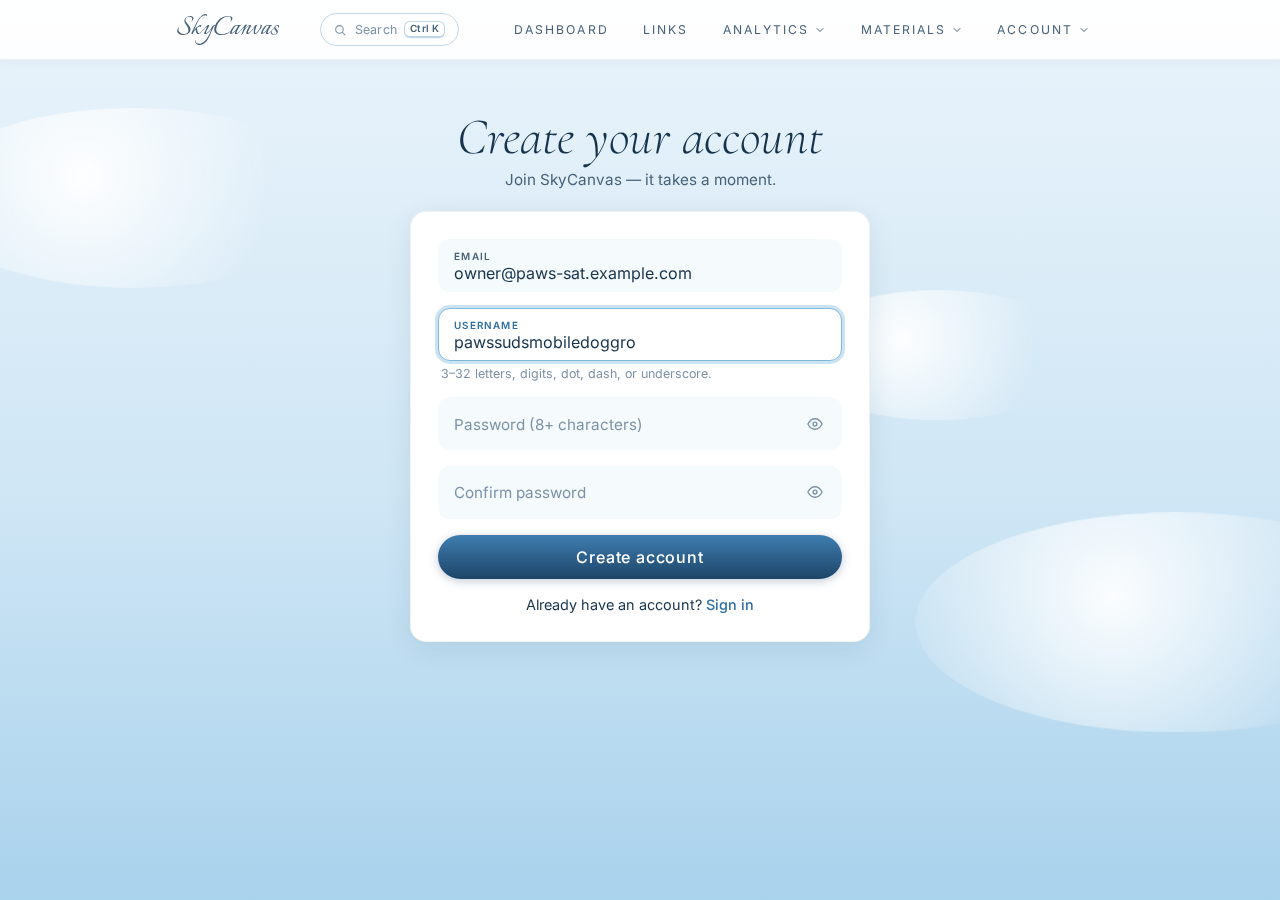
The SkyCanvas signup page with the account form filled in (email and username).
She filled in her basic information, picked a username, and established her secure login. Within seconds, her account was ready, and she was brought directly into the workspace to start building her first short link.
3. Creating the Short Link
With her account ready, Sarah opened the “new short link” creator. Her target was to direct local dog owners straight to her online booking calendar where they could claim the Saturday morning appointment.
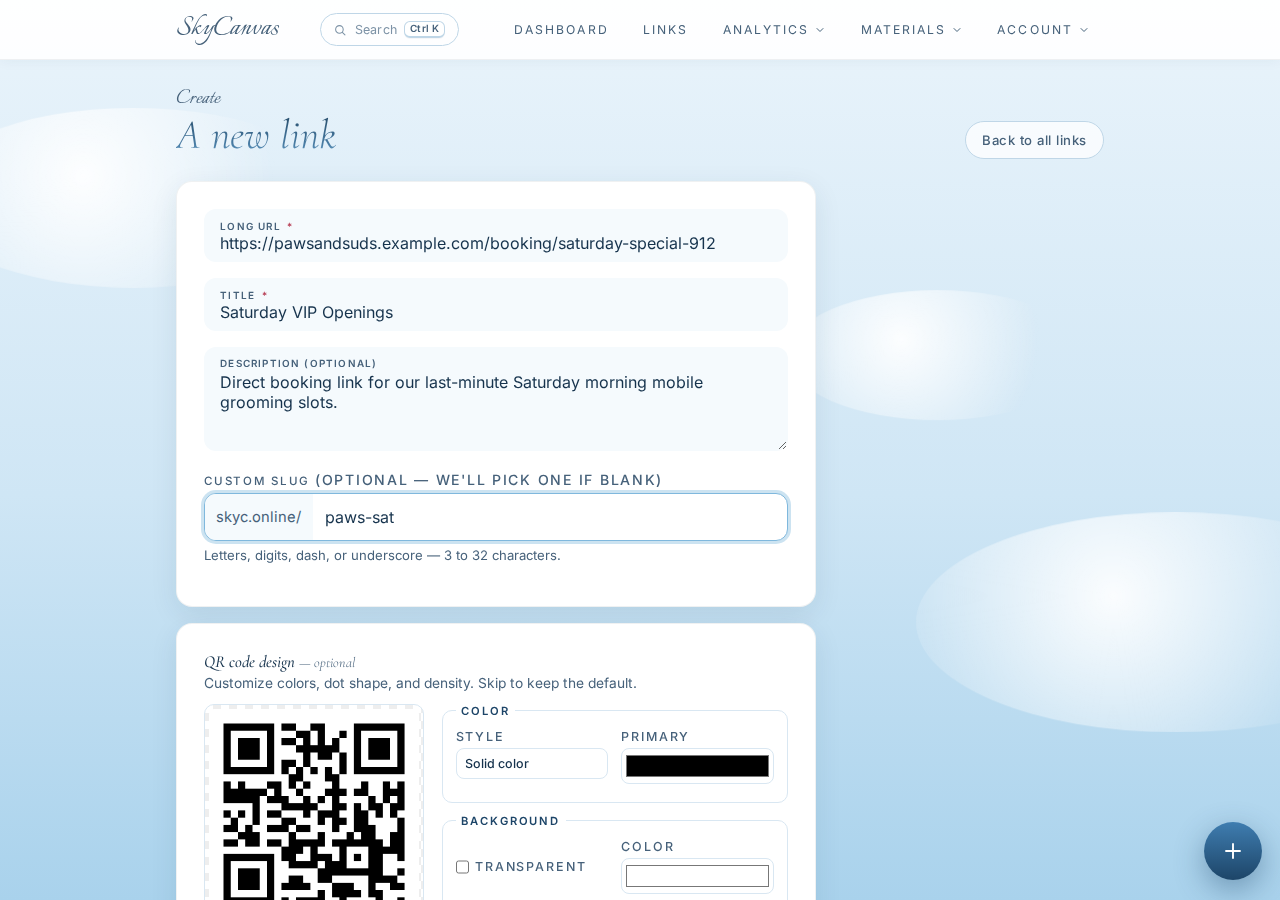
The “new short link” form filled in: destination URL, title, description and custom slug, with the live QR preview on the right.
She entered the exact URL for the booking page. To ensure the link looked trustworthy and clean, she customized the slug to create the easy-to-remember short URL: skyc.online/paws-sat . She added a descriptive title and brief internal description to keep her dashboard organized. As she typed, the system immediately generated a live preview of her brand-new QR code on the right side of the screen.
4. Reviewing the Generated Link
Once she clicked save, her custom link was officially live on the web. She was taken directly to her link details page, where everything she needed was packaged up and ready to go.
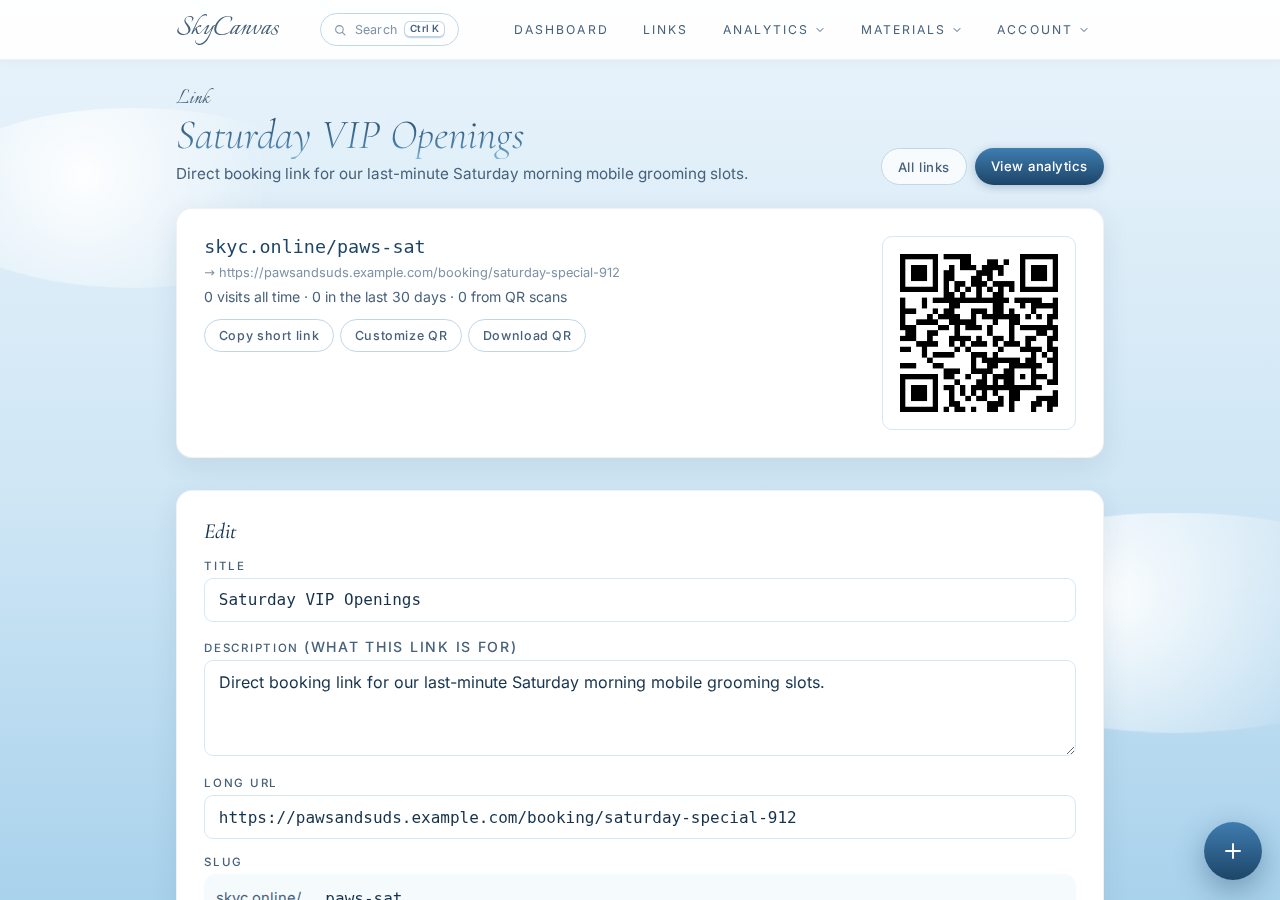
The link detail page right after creating the short link: the sky.canvas short URL, the destination, and the generated QR code ready to download.
From this page, Sarah could see her shortened URL and the original destination side-by-side. The dashboard also offered a downloadable, high-resolution QR code that pointed directly to skyc.online/paws-sat .
5. Customizing the Brand QR Code
While the standard black-and-white QR code worked perfectly, Sarah wanted her marketing materials to look professional and matches her company’s identity. She opened the customization panel to polish the look.
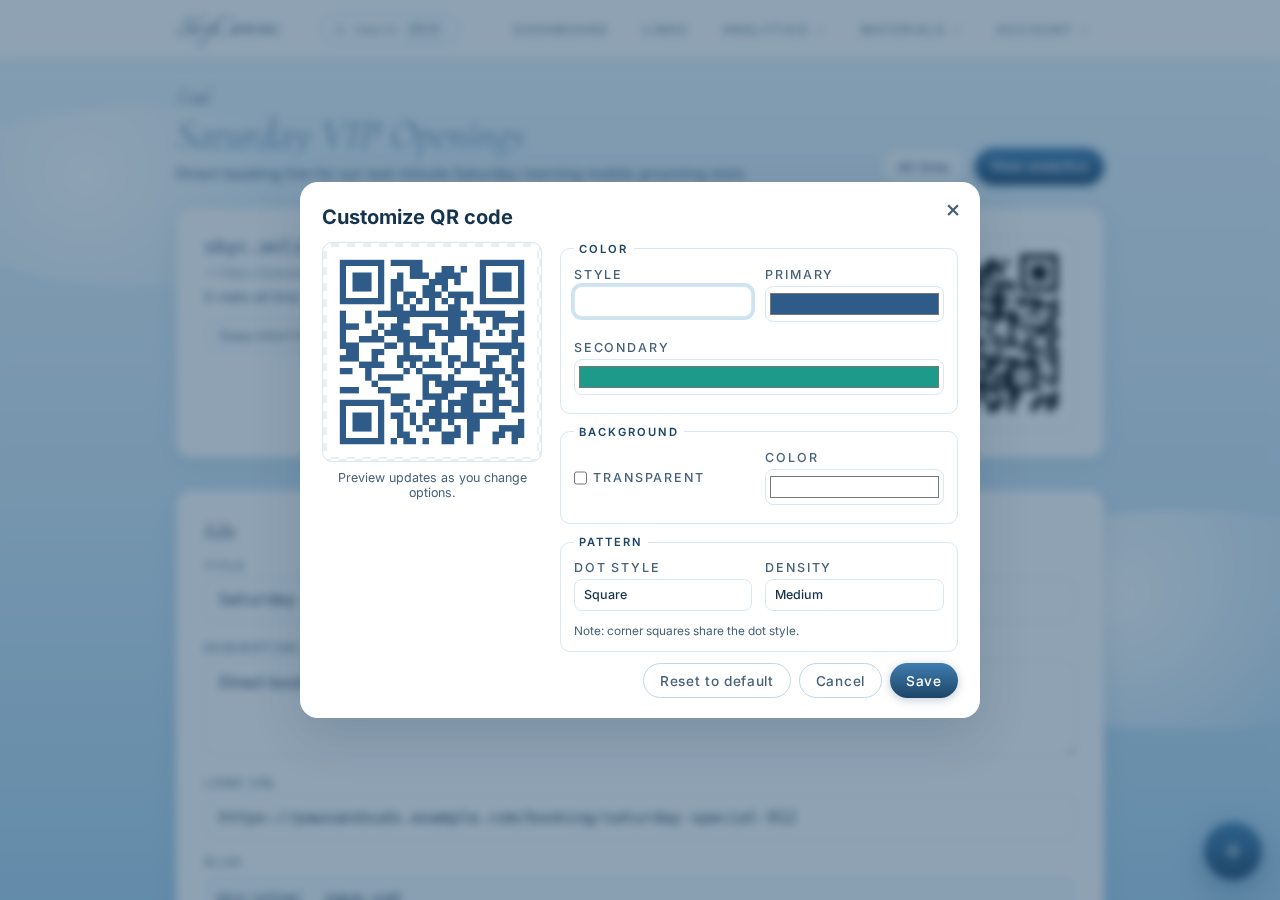
Customizing the QR code style on the link page: brand colors applied to the QR modules with a live preview.
Using the color picker, she adjusted the QR modules to feature a stylish blue-green gradient that mirrored the water and sky themes of her mobile grooming brand. She kept the background a clean white to ensure high contrast and rapid scanning on all mobile devices.
6. Monitoring the Results in Real Time
With her custom link and beautiful brand QR code downloaded, Sarah shared skyc.online/paws-sat across her business Instagram page and sent a quick broadcast message to her VIP text list. Within minutes, dog owners began clicking and scanning.
To see if her efforts were working, Sarah kept an eye on her main dashboard.
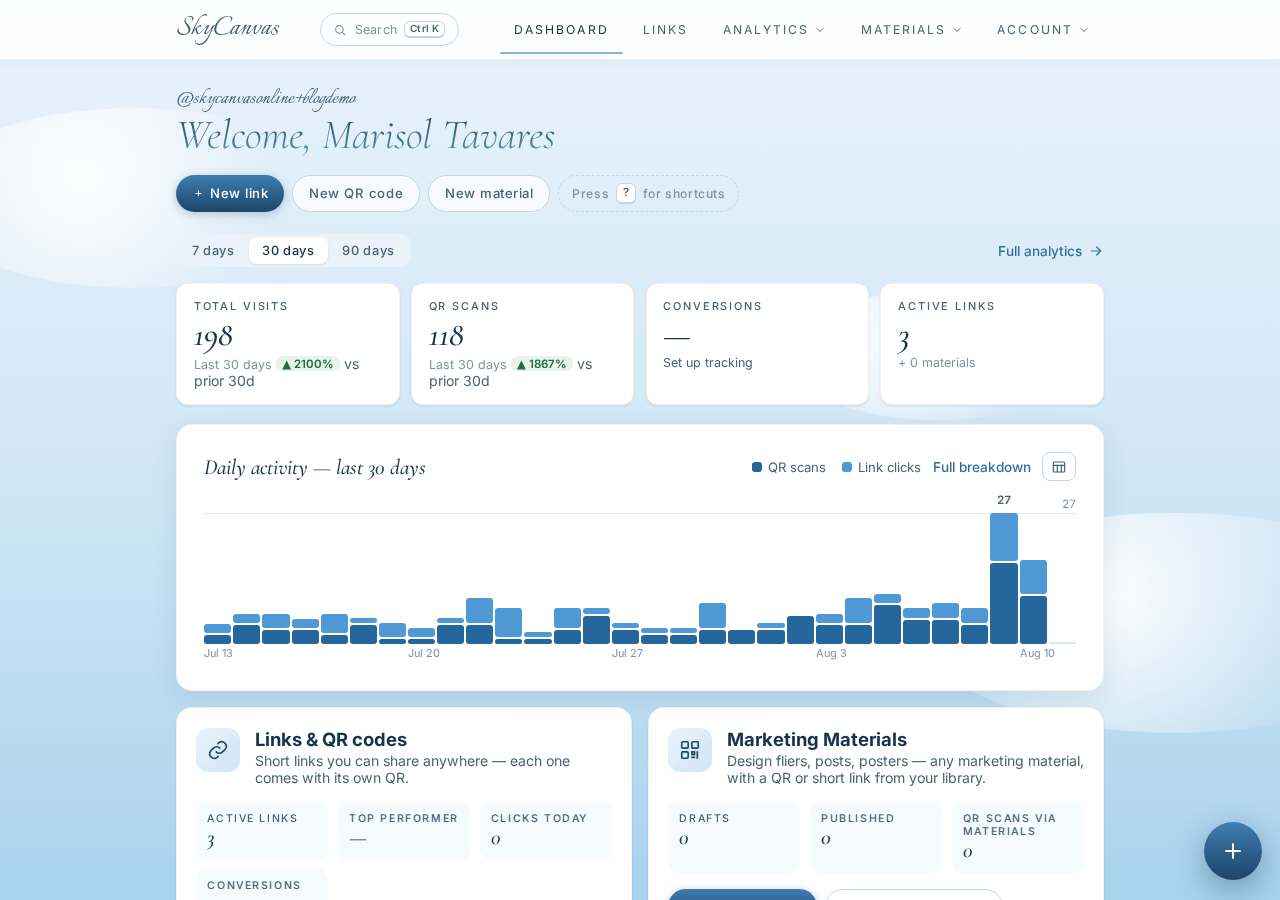
The SkyCanvas dashboard: KPI tiles for clicks, QR scans, conversions and links, plus the daily activity chart.
The dashboard instantly displayed clear analytics, including total clicks, QR scans, and basic conversion trends. She could watch the activity chart update live as Austin locals opened her booking link.
Within fifteen minutes of her post going live, a client in central Austin scanned the custom QR code and booked the open Saturday morning slot. The empty space in her schedule was filled, and her grooming van was booked for a full, profitable weekend.
Moving Faster with Smarter Links
By using SkyCanvas, Paws & Suds turned a potential loss into a quick booking success. Sarah did not have to spend hours editing her main website or writing emails to individual clients. Instead, she created a professional, trackable, and beautifully branded link that her customers could scan and open in seconds.
Whether you run a mobile pet groomer, a busy local café, or a neighborhood fitness studio, having the power to launch trackable promotional links in sixty seconds changes how you handle open schedules and daily marketing.
Are you ready to create your own high-performing links and custom brand QR codes? Get started today with a free SkyCanvas account and watch your marketing take flight.
Paws & Suds is a fictional business we created to show a real SkyCanvas workflow. Every screenshot is real, captured live while writing this guide.